Tutorial: Guide to optimising lines for laser cutting

Optimise your files before uploading to save laser cutting time and money

optimising laser cut files

Ponoko’s recent prototyping party reminded me how important effective nesting parts in laser cut files is. This guide is about optimising line work to achieve faster cuts and thereby saving money. Cutting time is generally the most expensive component when ordering from Ponoko. In the forums recently, people shared their methods of saving money, but I think nesting line work requires greater exploration…


David is an industrial designer from New Zealand. He contributes a weekly article on personal fabrication for Ponoko. You can follow him on Twitter @dizymac

Related posts:

The finishing touch: filled laser engraving tutorial

A simple technique for making your laser engraving stand out
Rich Decibels Exenterator
This week I finished a project I’ve been developing for a while: the Rich Decibels Exenterator. Sound samples and technical details and so on are available on my blog but for this post I just wanted to demonstrate my engraving-filling technique. For me it is the ideal way to add labels to my DIY electronics gadgets.

Check out the full step-by-step tutorial on the forum.

Related posts:

3D Modeling mesh decimation tutorial in Blender

Low polygon mesh tutorial image

The faceted low polygon look is en vogue judging by how many design blogs are featuring furniture, consumer and transport products designed with this look.

This tutorial looks at a simple feature in Blender 2.59a that helps reduce the polygon count of your models while maintaining a watertight mesh for 3d printing


David is an industrial designer from New Zealand. He contributes a weekly 3D print or CNC article for Ponoko. You can follow him on Twitter @dizymac

Related posts:

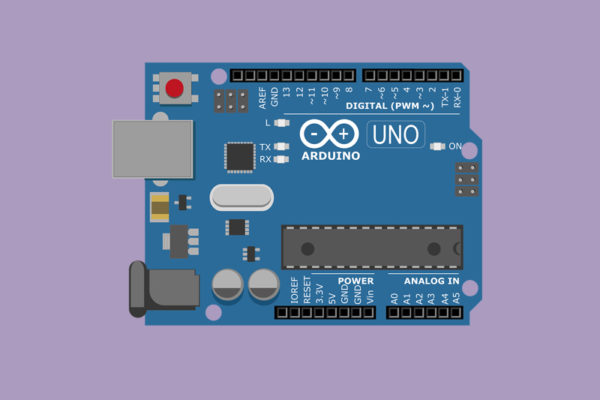
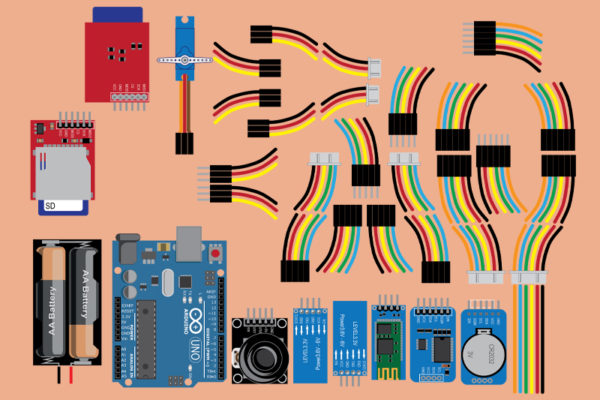
Comic-style introduction to Arduino

A guide for visual learners:
Getting started with open-source programming

Jody Culkin is an artist of broad and impressive talents, and she’s done something wonderful for the DIY electronics community with one of her recent projects.

It’s not an award-winning sculpture, nor an emotive photograph or whimsical animation… this time, she has turned her hand towards helping newcomers get their head around just what this Arduino thing is all about.

The comic-style introduction has been CC-licensed for all to enjoy, and can be downloaded in full right here.

More than a guide to the ins and outs of the Arduino platform, this is also a handy introduction to electronics projects in general.

Introduction to Arduino via Boing Boing

Related posts:

Getting started in DIY electronics

Victorian synthesizers, laser microphones, and space explorers
Nic Collins' Trombone-Propelled Electronics
If you haven’t had any sort of training in electronics, it can be a daunting world to get started in. It’s no use having someone talk about what you can do with an Arduino if you haven’t first been shown the basics of how circuits work, or say, what you can do with just a battery and a speaker. (more…)

Related posts:

Tutorial: how to design a laser-cut enclosure for your DIY electronics

A case design case study

I’ve just written up a step-by-step tutorial detailing the process of designing an electronics enclosure from concept to completion. It covers circuit design and layout, laser-cut construction techniques, and little extras like accounting for kerf and dog-boning corners to reduce stress.

Be sure to send any questions my way, and I’ll do my best to answer them on the forum.

For some awesome examples of this kinda thing, check out this blog post on custom, laser-cut enclosures created by Ponoko customers.

Related posts:

Incredible pictures from Junior’s DIY 3D printer

This homemade printer has achieved a remarkable level of detail.

Back in May we featured a story about the ultra high detail 3D printer being developed by Junior Veloso. He recently posted the incredible pictures you can see above and below. Instead of using the extrusion process favored by the RepRap and Makerbot, Junior is using UV-sensitive resin and a projector. This process uses far fewer moving parts and can achieve much greater detail at a low cost.

Follow the progress of his project on his blog as he develops his printer for sale.

Via Shapeways

Related posts:

Tutorial: creating spaceship models with Shipwright and Blender

The creator of Entoforms evolves some spaceships

Shipwright is a Blender addon by the creator of Entoforms (previously covered here) that generates spaceships from a file full of existing parts and a user-inputted “DNA” string. The resulting models are complex, but they are printable.

I’ve just added a new tutorial to the Ponoko forums that covers how to use Shipwright.

(And check out 3D printing with Personal Factory if you want to print out your spaceship model.)


Derek Quenneville is a 3D printing evangelist who posts weekly on the Ponoko blog. Follow him on Twitter @techknight.

Related posts:

Tutorial: using repeat patterns for laser etching

Add some pattern to your lasercut designs

Ponoko’s Josh Reuss has put together another quick tutorial that’s fun, easy, and a great way to jazz up your lasercut designs.

Josh walks you through using Adobe Illustrator and free pattern packs to create a design file that will have the patterned parts laser-etched.

Check out the tutorial and start etching patterns on your Personal Factory made products.

Related posts:

Staining wood sheet materials — 7 different woods, 6 different stains

Josh Reuss makes 42 wood stain samples

Ponoko’s own Josh Reuss is always putting up nifty experiments, tips & tricks in the Ponoko forum.

Earlier this year, Josh decided to try out a variety of stains on some scrap pieces of wood material. (These are all wood materials for laser cutting with your Personal Factory btw.)

He reported on his staining experiments, detailing the best methods for applying and which stains looked best on which materials. Check it out, and if you’ve done any staining or painting yourself, feel free to add your results and what you’ve learned to the forums.

Links to each material and stain used are after the jump.

(more…)

Related posts: